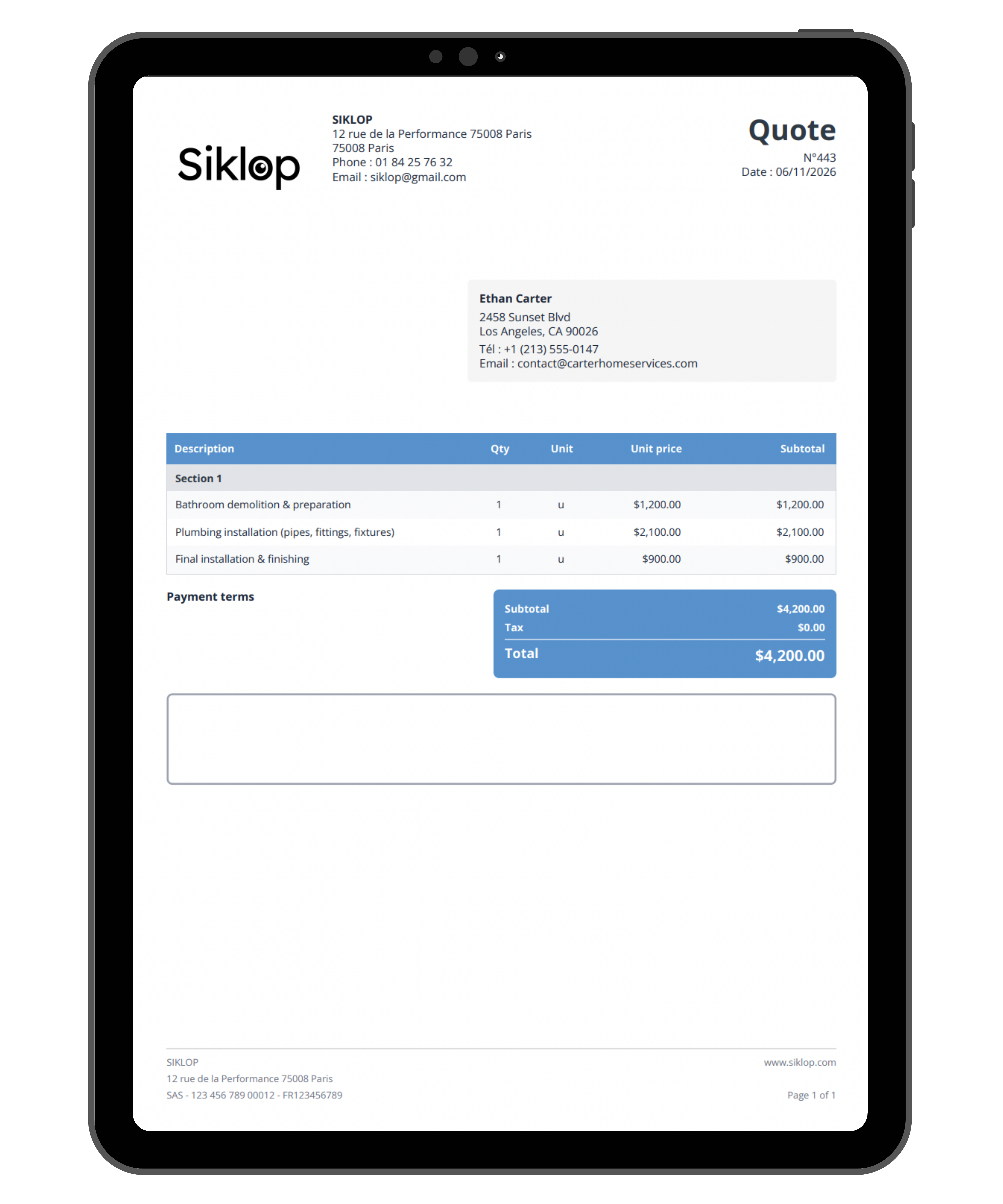
Add Apple Pay to a PDF
Would you like to let customers pay with Apple Pay but your PDF documents are still nothing more than files to review? Whether it's a quote, an invoice, a contract, a form, or any other PDF document, completing a payment often requires several additional steps. Every extra action can delay a decision, postpone a payment, or increase the risk of abandonment.
With Apple Pay for PDF documents, Siklop allows you to transform your PDFs into payment-enabled documents compatible with one of the world's most popular payment methods. Upload your PDF document, define the amount to be paid, and share it with your recipient. They can review the document and complete their payment using Apple Pay through a fast, modern, and secure interface.
The easier the payment experience is, the faster you get paid. Adding Apple Pay to a PDF helps eliminate friction between reviewing a document and completing a payment while delivering a seamless experience for iPhone, iPad, and Mac users. Payments can be completed in seconds without manually entering card details.
By combining Siklop with the payment methods supported by Stripe, including Apple Pay, you benefit from a solution capable of turning your PDF documents into real payment tools. Your PDFs remain at the center of your workflow while payments become a natural part of the recipient experience. You can continue using the documents you already create while adding a feature designed to improve user experience and accelerate payment collection.
Adding Apple Pay to a PDF is designed for businesses, freelancers, contractors, self-employed professionals, associations, organizations, and individuals who want to collect payments more easily. Whether you are sharing a quote, invoice, contract, form, or any other PDF document, recipients can review the document and pay with Apple Pay from a single interface. The goal is simple: transform your PDFs into Apple Pay-enabled documents that make payment collection faster and easier.