How to create an online quote easily?
Creating a quote shouldn't take more than a few minutes. Yet many businesses still rely on Word documents or Excel spreadsheets that need to be edited every time they prepare a new quote. Between formatting, calculations, required information, and managing multiple file versions, preparing even a simple quote quickly becomes a repetitive and time-consuming task.
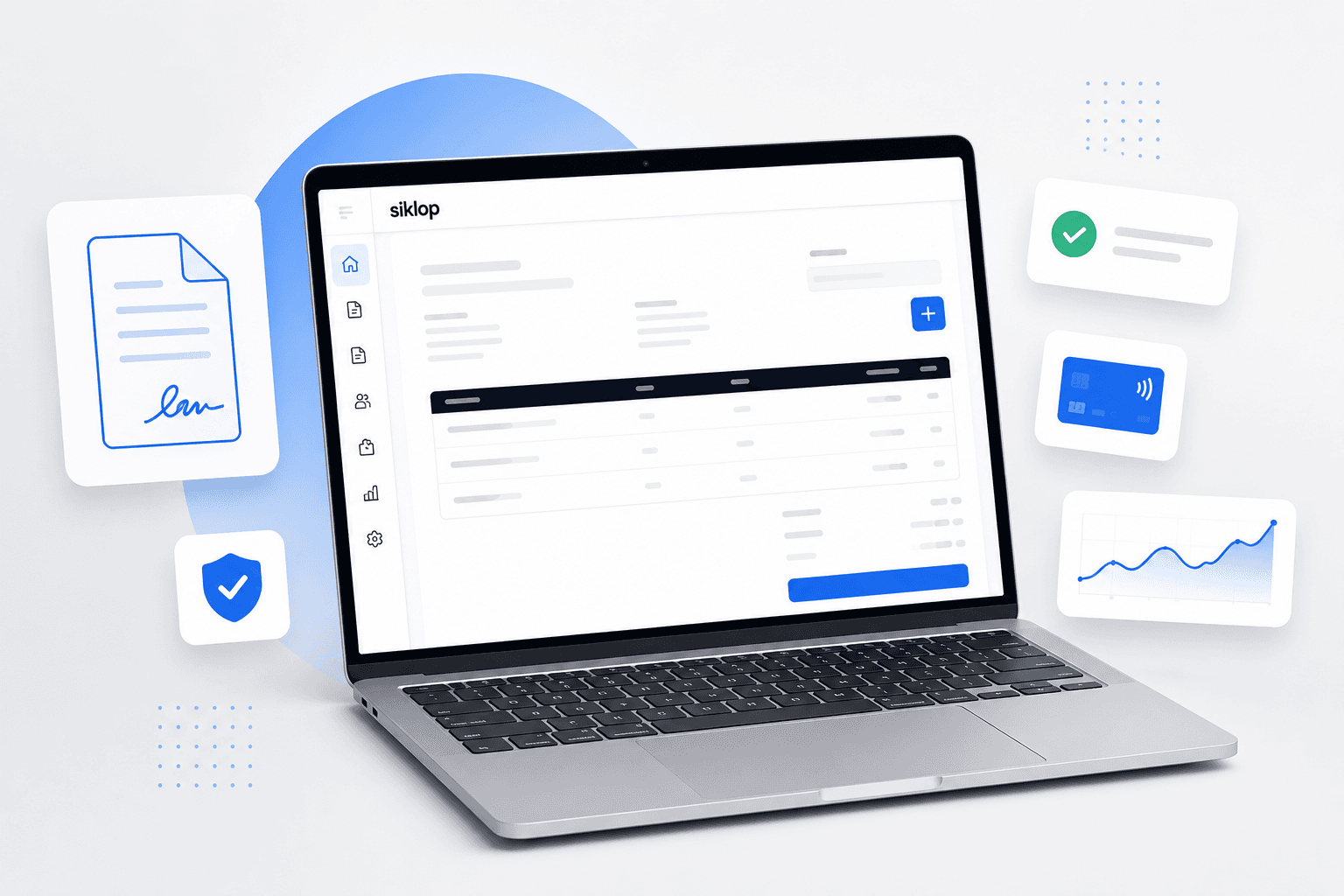
Online quote generators have completely changed the way professionals create quotes. They allow you to build professional quotes directly from your web browser, with no software to install and no technical expertise required. The document is automatically formatted, calculations are performed instantly, and your quote is ready to download as a PDF or send to your customer in just a few clicks.
Beyond saving time, creating quotes online also helps standardize your workflow. Every quote follows the same professional layout, includes the necessary information, and reduces the risk of manual errors or missing details.
In this guide, you'll learn how to create an online quote easily with Siklop, why it's a better alternative to Word or Excel, and how to generate professional quotes in just a few minutes.
Why create quotes online?
For many years, businesses created quotes using Word documents, Excel spreadsheets, or desktop estimating software. While these solutions may still work for some businesses, they often come with drawbacks such as manual editing, software installation, paid licenses, updates, or being limited to a single computer.
An online quote generator works directly from your browser. There's nothing to install, your software is always up to date, and you can create professional quotes wherever you are, from any device with an internet connection.
| Feature | Online Quote Generator | Desktop Software | Word / Excel |
|---|---|---|---|
| No installation required | ✅ | ❌ | ✅ |
| Accessible from any device | ✅ | ⚠️ Often limited | ⚠️ Depends on file access |
| Paid software license | ❌ | ✅ | ⚠️ Microsoft Office subscription may be required |
| Automatic updates | ✅ | ⚠️ | ❌ |
| Professional formatting | ✅ | ✅ | ⚠️ Must be created manually |
| Automatic calculations | ✅ | ✅ | ⚠️ Requires formulas |
| Automatic sales tax calculations | ✅ | ✅ | ⚠️ Manual calculations or formulas |
| Required business information included | ✅ | ✅ | ❌ |
| PDF generation | ✅ | ✅ | ⚠️ Manual export |
| Send quotes directly to customers | ✅ | ⚠️ Depends on the software | ❌ |
| Electronic signatures | ✅ | ⚠️ Depends on the software | ❌ |
| Online payments | ✅ | ⚠️ Depends on the software | ❌ |
| Quote status tracking | ✅ | ⚠️ Depends on the software | ❌ |
How to create an online quote with Siklop
Creating a quote with Siklop takes only a few minutes. You'll be guided through every step, and no special skills are required. Once you've entered the necessary information, your quote is automatically formatted and ready to send to your customer.
Step 1: Open the quote generator
Start by visiting our free quote generator. There's no software to install and no account required to create your first quote. You'll immediately access a simple interface that guides you through the entire process.
Step 2: Enter your business information
Add your business details, including your company name, address, contact information, tax identification number (if applicable), and any other required business information. These details can be reused automatically on future quotes, saving you time.
Step 3: Add your customer
Enter your customer's information, whether they're an individual or a business. If the customer already exists in your contact list, simply select them to automatically fill in their details.
Step 4: Add your products or services
Describe the products or services you're quoting, specify quantities, unit prices, and any discounts. Siklop automatically calculates subtotals, sales tax, and the final total, helping you avoid calculation errors while producing a clear, professional quote.
Step 5: Customize your quote
Personalize your quote by adding your company logo, payment terms, project timeline, or any additional information you'd like your customer to receive. Your document is automatically formatted with a professional layout.
Step 6: Download the PDF or send your quote
Once your quote is complete, you can instantly download it as a PDF or send it directly to your customer from Siklop. There's no need to switch between multiple applications, making the process faster and more efficient.
Step 7: Get your quote approved and receive payment
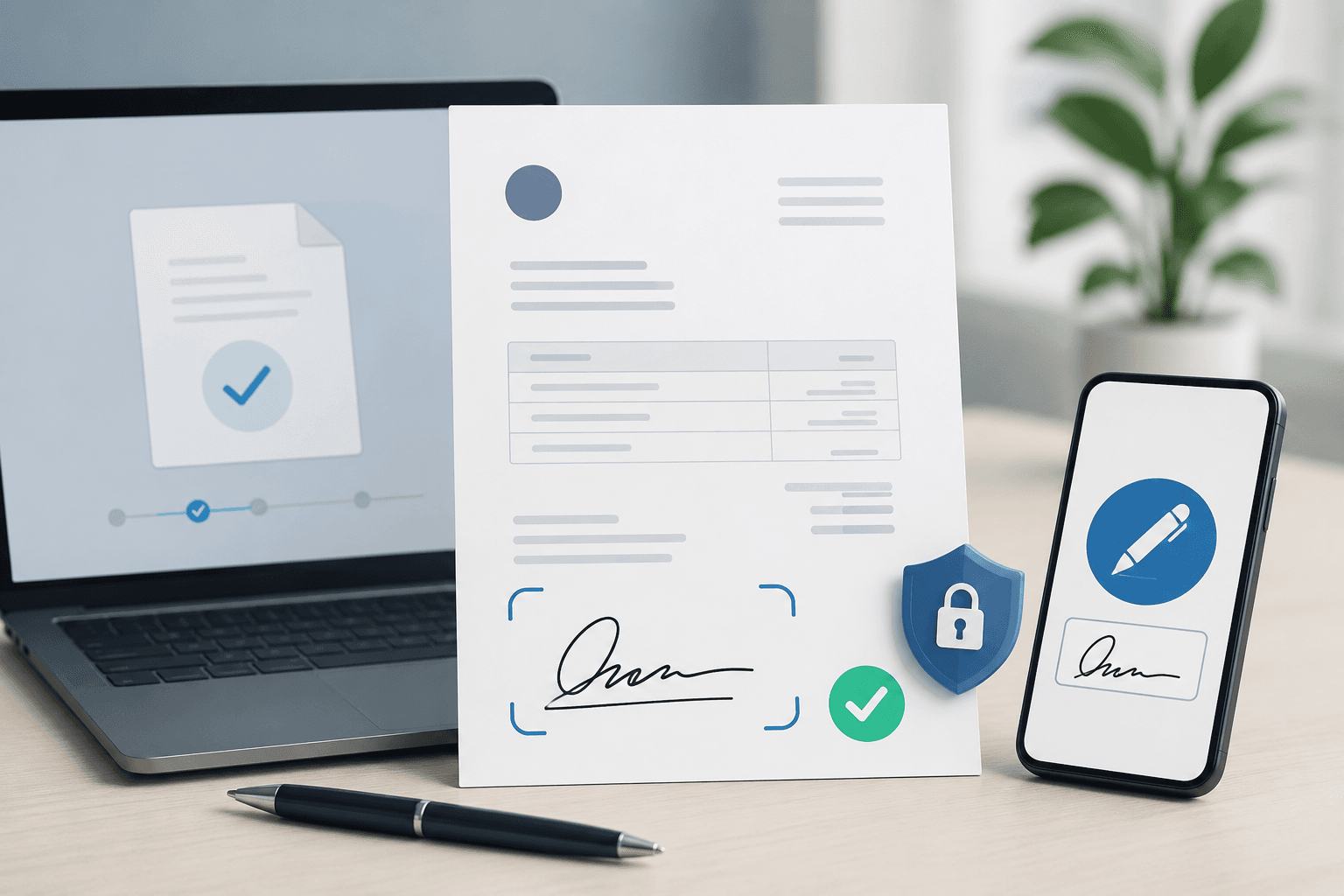
To streamline your sales process even further, you can request an electronic signature from your customer and, if needed, accept an online deposit or payment as soon as the quote is approved. Everything is managed from a single platform.
Why use Siklop instead of Word or Excel?
Using Word or Excel may seem sufficient if you only create a few quotes each month. In reality, these tools require a lot of manual work: editing templates, checking calculations, verifying required information, exporting PDFs, and sending documents separately. As your business grows, these repetitive tasks become increasingly time-consuming.
With Siklop, everything happens in one place. Simply fill in your quote details, and the platform automatically handles formatting, calculations, and PDF generation. You get a professional quote in minutes without worrying about spreadsheet formulas or formatting mistakes.
Siklop goes far beyond basic document editing. Once your quote is ready, you can send it directly to your customer, track its status, collect electronic signatures, request deposits, and accept online payments without switching between multiple applications. This centralizes your entire quoting process, helping you save time while delivering a more professional experience to your customers.
Create your first quote for free
You now know how easy it is to create a professional quote online. The only thing left is to try it yourself.
With Siklop, you can create your first quote for free directly from your browser, with no software installation required. In just a few minutes, you'll have a professional quote that you can edit, send, get approved electronically, or later convert into an invoice whenever you need.
👉 Create a free quote and generate your first online quote today.