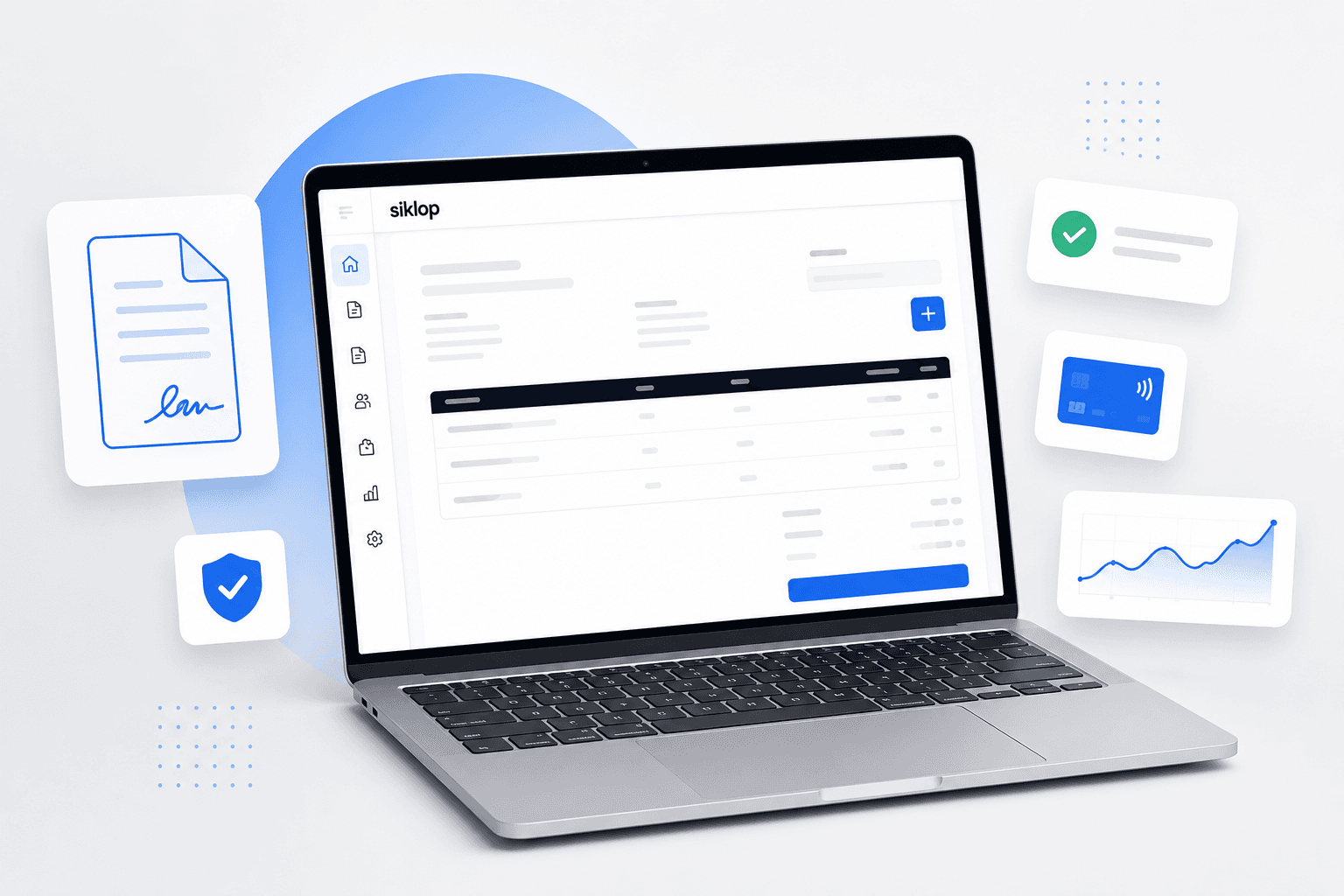
How to add an electronic signature to a quote
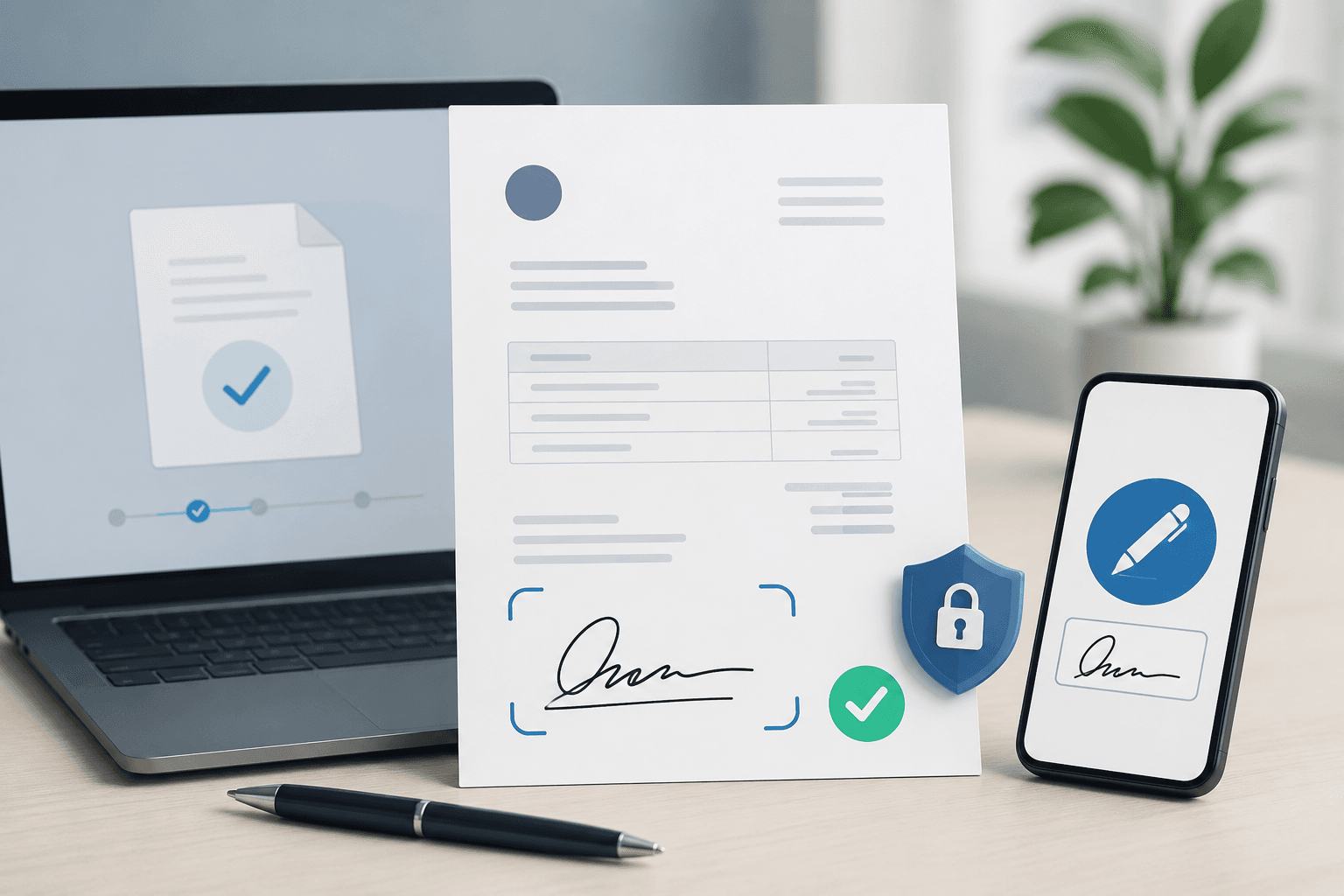
Electronic signatures have become an essential tool for professionals who want to get their quotes approved faster and streamline their sales process.
Beyond simply saving time, electronic signatures simplify the entire approval workflow. Your customer can sign more quickly, you can track the status of your quotes in real time and, depending on the solution you use, collect a deposit or the full payment online immediately after the quote is signed.
In this guide, you'll learn how to add an electronic signature to a quote, discover the benefits of electronic signatures, understand their legal validity, and explore best practices for getting your quotes approved faster while providing a smoother experience for your customers.
Why add an electronic signature to a quote?
Getting a quote signed is an essential step before starting any project or service. A signature confirms that your customer accepts the proposed services, pricing, timelines and payment terms. It also provides valuable evidence if a dispute arises later.
With a handwritten signature, this process can quickly become time-consuming. The quote often needs to be printed, signed, scanned and sent back, creating unnecessary delays and extra work for both you and your customer.
An electronic signature simplifies this entire process. It allows customers to sign a quote remotely, shortens approval times and creates a much smoother experience. Your customer can approve the quote as soon as they receive it, allowing you to start the project sooner.
Beyond the signature itself, some solutions also let you track the status of your quotes, notify you when they have been signed and even collect a deposit or full payment online immediately after the quote has been approved.
Is an electronic signature on a quote legally valid?
Yes. An electronic signature has the same legal value as a handwritten signature, provided it complies with the applicable regulations. It serves as proof of the customer's consent and confirms that they have accepted the contents of the quote, just like a signature made on paper.
The main difference is how the signature is completed. Instead of printing and signing a physical document, the customer approves the quote remotely using a computer, tablet or smartphone. Depending on the solution you use, additional information such as the signing date, time and the signer's identity may also be recorded to strengthen the proof of signature.
It is also recommended to keep a copy of the signed quote together with any information that demonstrates the customer's acceptance. If a dispute arises, these records provide valuable evidence and help prove the agreement between you and your customer.
An electronic signature therefore serves the same purpose as a handwritten signature while making it much easier to approve, manage and store your quotes.
How to add an electronic signature to a quote
Step 1: create your quote
Before you can collect an electronic signature, you first need to create your quote. It should clearly describe the services you are offering, the prices, quantities, payment terms, completion deadlines and any other information your customer needs to fully understand your proposal.
Take the time to verify that all the details relating to your business and your customer are accurate. A clear, complete and professional-looking quote builds trust and helps reduce questions before approval.
Once your quote is ready, you can move on to the next step: adding an electronic signature and sending it to your customer.
If you'd like to learn how to create a complete and professional quote, read our guide: How to create a professional quote.
Step 2: add an electronic signature and send your quote
There are two main ways to add an electronic signature to a quote.
The first is to use a dedicated electronic signature platform. In this case, you create your quote using your usual quoting software, export it as a PDF, and then upload it to an electronic signature service. You can then define where the customer should sign before sending the document for approval.
This method works with virtually any existing quote, but it requires using two separate tools: one to create the quote and another to manage the electronic signature and delivery.
The second option is to use quote software with built-in electronic signatures, such as Siklop. Your quote is created, the electronic signature is added automatically, and the document is sent to your customer from the same platform, with no need to export or import files. Your customer receives the quote, reviews it and signs it in just a few clicks, making the entire approval process faster and much simpler.
Step 3: customer approval and signature
Once the quote has been sent, your customer can review and approve it by signing it electronically. Depending on the solution you use, they will either receive an email or access the quote through a secure link.
After reviewing your proposal, they simply sign the quote to confirm their acceptance. The signature is then recorded, and the quote is officially approved.
With an electronic signature, this entire process takes place remotely from a computer, tablet or smartphone, without the need to print, sign by hand or scan the document.
Comparison of quote signing solutions
The method you choose to get your quotes signed has a direct impact on the time you spend, your customers' experience and your day-to-day workflow. Here's a comparison of the main options available.
| Solution | Rating | Our opinion |
|---|---|---|
| Handwritten signature | ⭐⭐☆☆☆ | Free but not very practical. The customer has to print, sign and return the quote. This process increases approval times and requires several manual steps. |
| Standalone electronic signature software | ⭐⭐⭐⭐☆ | Allows customers to sign quotes remotely but usually requires two separate tools: one to create the quote and another to manage the electronic signature. This adds extra steps and additional costs. |
| Quote software with built-in electronic signatures | ⭐⭐⭐⭐⭐ | The simplest and most efficient solution. Quotes are created, sent, signed and tracked from a single platform, with no need to export or import files. It provides a smoother experience for both you and your customers. |
👉 Try Siklop's free quote generator
Secure your quotes with electronic signatures
Beyond convenience, electronic signatures also provide significant advantages when it comes to document security and storage.
Unlike paper quotes or PDF files stored only on a computer, electronically signed quotes are generally stored on the secure servers of the software you use. This means you can access your documents whenever you need them, even if your computer fails, is lost or stolen.
Centralized storage also reduces the risk of accidental deletion, misplaced files or damaged documents. Signed quotes remain available from your workspace at any time, eliminating the need to search through email attachments or paper archives.
Even in the event of a major incident such as a fire, flood or hardware failure, your signed quotes remain safely stored on the platform's servers. This provides more reliable document archiving and ensures permanent access to your business documents wherever you are.
How can electronic signatures save you time?
Electronic signatures do much more than speed up the approval of a quote. They also simplify the administrative tasks that follow once the document has been sent.
By storing all signed quotes in one place, you can quickly find any document without searching through your inbox or download folders. Your quotes remain organized, archived and accessible whenever you need them.
Many solutions also automate tasks that would otherwise take valuable time, such as tracking signatures, sending reminder emails, archiving documents or converting approved quotes into invoices. These automations reduce repetitive work while minimizing the risk of errors.
Your customers also benefit from a faster and more convenient experience. A simple approval process encourages quicker responses, reduces support requests and improves overall customer satisfaction. Quotes that are easy to review and sign are generally approved much faster than those requiring multiple manual steps.
The most complete solutions go even further by combining quote creation, electronic signatures, online payments and sales tracking within a single platform. Instead of switching between multiple applications, you can manage your entire sales workflow from one place.
Simplify your quote management with Siklop
Instead of using multiple tools to create quotes, collect signatures and track approvals, Siklop brings everything together in a single platform.
You can create professional quotes in just a few minutes, add an electronic signature without exporting your document, and send it directly to your customer. Once the quote has been sent, you can track its status in real time to see whether it has been viewed, signed or requires a reminder.
To streamline your sales process even further, Siklop also lets you send automatic reminders to increase your chances of getting a faster response. If needed, you can collect online payments by credit or debit card immediately after the quote has been signed, whether you're requesting a deposit or the full payment for your service.
Finally, once a quote has been approved, it can be converted into an invoice in just a few clicks, with no need to re-enter your customer's information. This saves valuable time while allowing you to manage your entire sales workflow from a single platform.
👉 Create a free quote with Siklop
Conclusion
Electronic signatures have become an essential tool for professionals looking to simplify the approval of their quotes. They reduce approval times, improve the customer experience and provide a more secure way to store documents, while offering a much smoother workflow than traditional handwritten signatures.
Once reserved for large organizations, electronic signatures are now accessible to contractors, freelancers, self-employed professionals, small businesses and growing companies. Thanks to affordable and easy-to-use solutions, businesses of every size can now collect legally valid signatures remotely without changing the way they work.
Whether you send only a few quotes each month or dozens every week, adopting electronic signatures is an effective way to save time, present a more professional image and simplify customer interactions. By choosing software that combines quote creation, electronic signatures, approval tracking and online payments, you can manage your entire sales process from a single platform while delivering a faster and more modern experience to your customers.
FAQ
Is a signature mandatory on a quote?
No. A quote does not always have to be signed to be issued or sent to a customer. However, if you want the quote to serve as a formal agreement before starting the work, it is strongly recommended to obtain a signature or another reliable form of proof that demonstrates your customer's acceptance.
Once signed, the quote confirms both parties' agreement on the proposed services, pricing, completion deadlines and payment terms.
Does an electronically signed quote have the same legal value as a handwritten signature?
Yes. An electronic signature has the same legal value as a handwritten signature, provided it complies with the applicable regulations. It can be used to verify the identity of the signer and demonstrate their consent to the terms of the quote.
Whether completed on paper or online, the purpose of the signature is the same: to confirm the customer's agreement with the proposed services, pricing, completion deadlines and payment terms.
Should you keep proof of an electronic signature?
Yes. As with a paper-signed quote, it is recommended to keep a copy of the signed quote together with any information that proves the customer's acceptance. Depending on the solution you use, this may include the signing date and time, the signer's identity or an audit trail showing the different stages of the signing process.
Keeping these records makes it easier to manage your documents and can provide valuable evidence if a dispute arises.
Can you request a deposit after a quote has been signed?
Yes. Once a quote has been approved, you can ask your customer to pay a deposit before starting the work, provided this is specified in your quote or terms and conditions. This is a common practice that helps secure the start of a project.
Some quote management solutions go a step further by integrating online payments directly after the electronic signature. This allows customers to approve the quote and pay the deposit within the same workflow, helping you start the project more quickly.
To learn more, read our guide: How to ask for a deposit on a quote.
What happens if the customer refuses to sign the quote?
If your customer refuses to sign the quote, it simply means they do not accept your proposal as it stands. You should therefore wait until an agreement has been reached before starting the work.
You can discuss the proposal with your customer to understand their concerns and update the quote if necessary. Once the changes have been made, simply send the revised version for approval.
Can you have multiple quotes signed electronically?
Yes. There is no limit to the number of quotes that can be signed electronically. Whether you send only a few quotes each month or hundreds, electronic signatures provide the same level of convenience and security.
For businesses that regularly send quotes, electronic signatures also make it easier to centralize signed documents, track their status and access the complete history of approvals from a single workspace.
How much does electronic signature software for quotes cost?
The cost of electronic signature software depends on its features and pricing model. Some platforms charge for each document sent for signature, while others offer monthly subscriptions with unlimited signatures included.
Today, electronic signatures are no longer reserved for large enterprises. Many solutions provide affordable plans designed for contractors, freelancers, self-employed professionals, small businesses and growing companies.
For example, with Siklop, electronic signatures are included when you use the Optimized Send feature. It lets you send quotes with built-in electronic signatures, real-time tracking and online payment, without the need for separate signature software.