Download a quote or invoice as a PDF
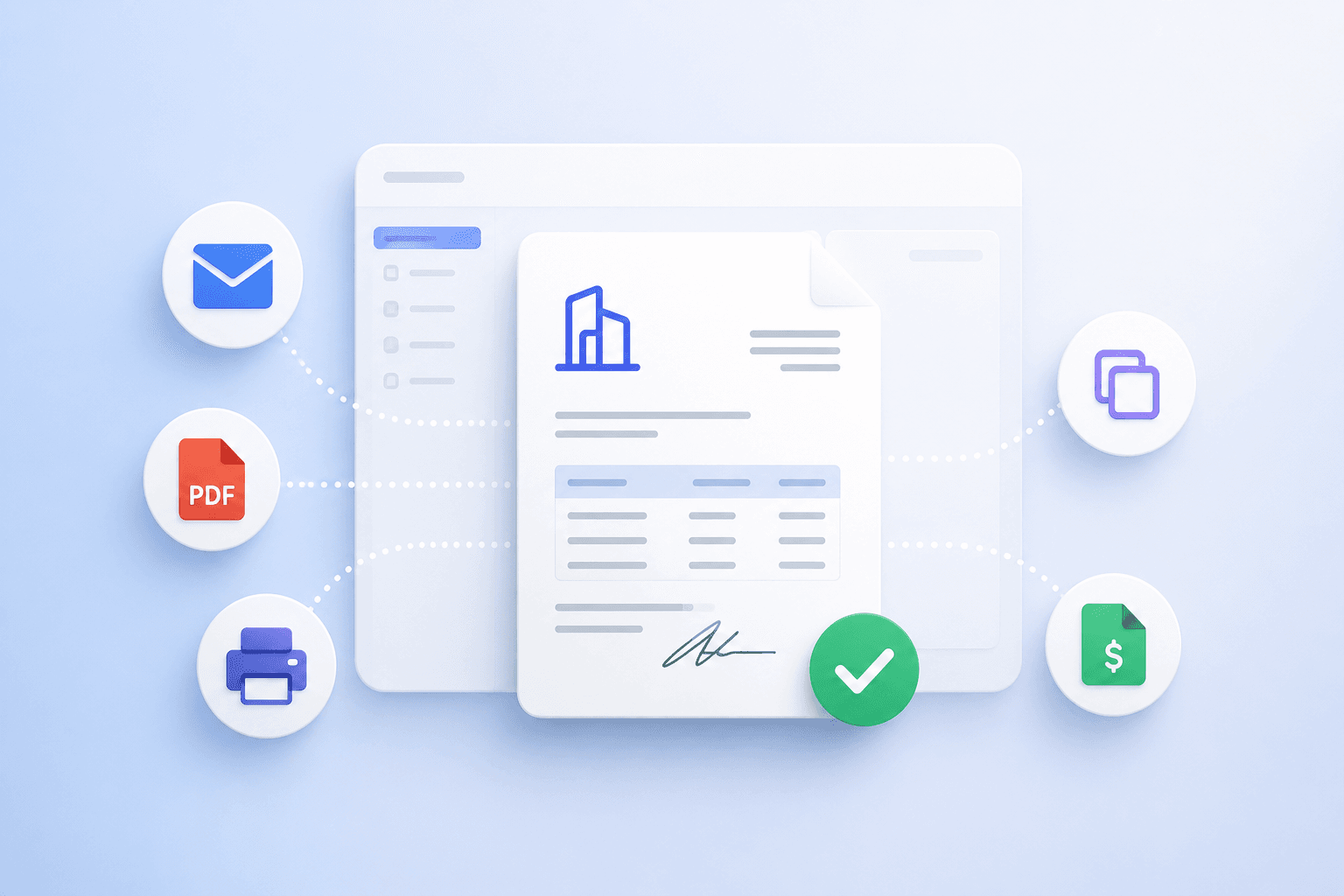
Siklop allows you to download your quotes and invoices as PDF files in just a few clicks.
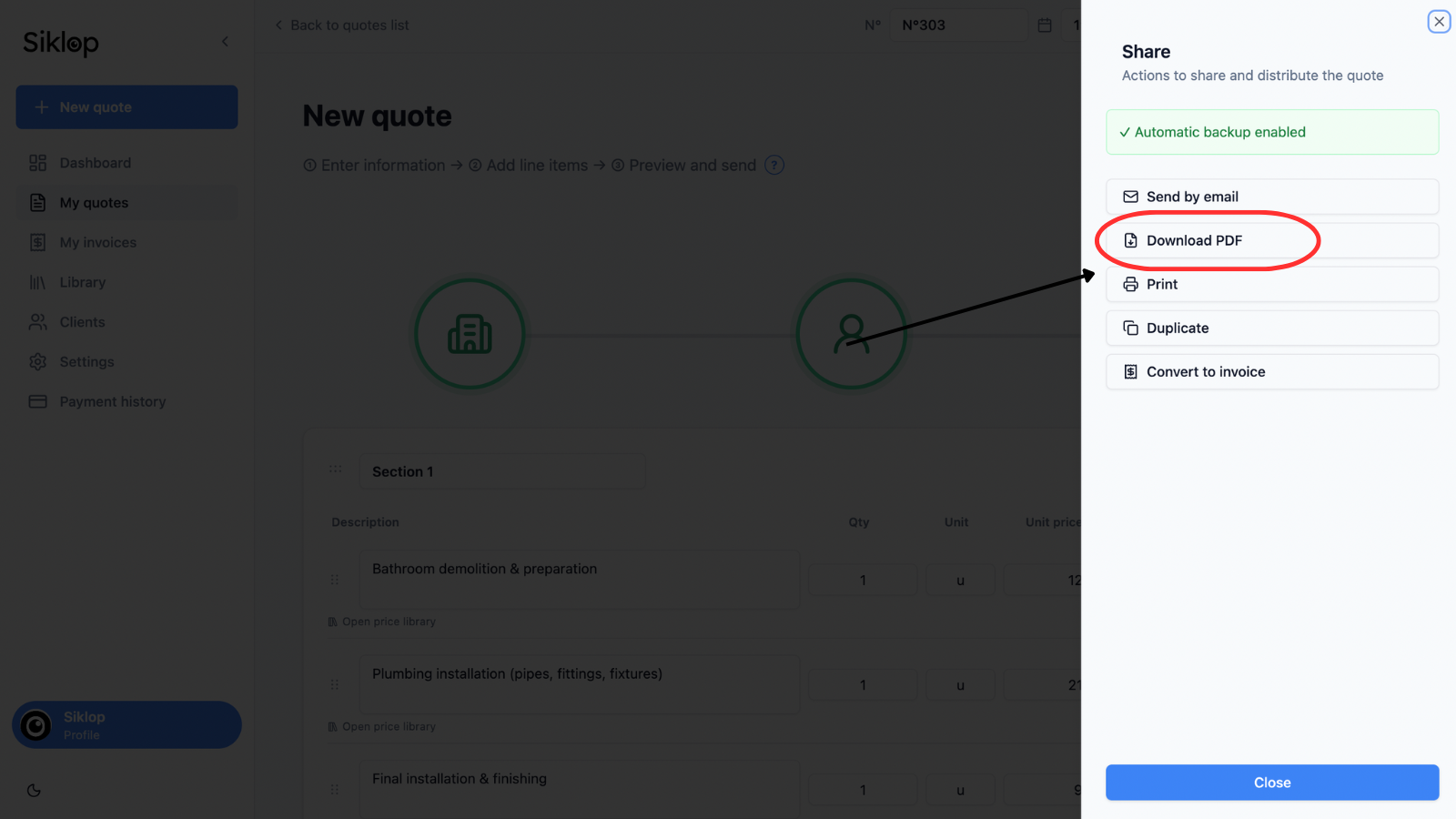
The PDF download feature is available from the Share menu, which can be accessed from both the quote and invoice editors as well as from the document lists.
To download a document, simply open the quote or invoice you want to export, then click Download PDF from the Share menu.
Generate the PDF document
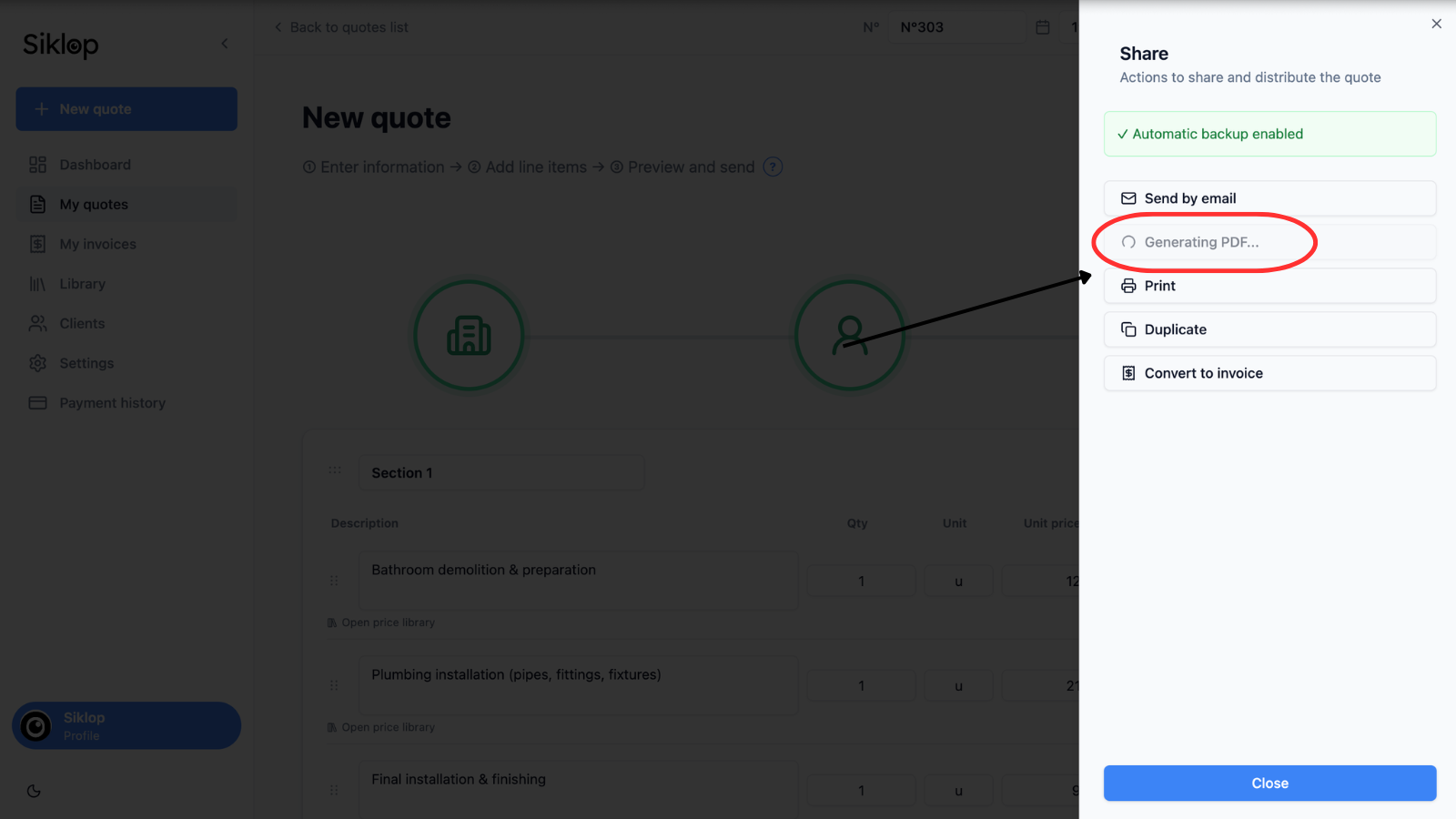
After clicking Download PDF, Siklop automatically generates a PDF version of your quote or invoice using the information contained in the document.
While the PDF is being generated, a loading indicator is displayed to let you know that the document is being prepared.
This process usually takes only a few seconds.
Find the downloaded PDF file
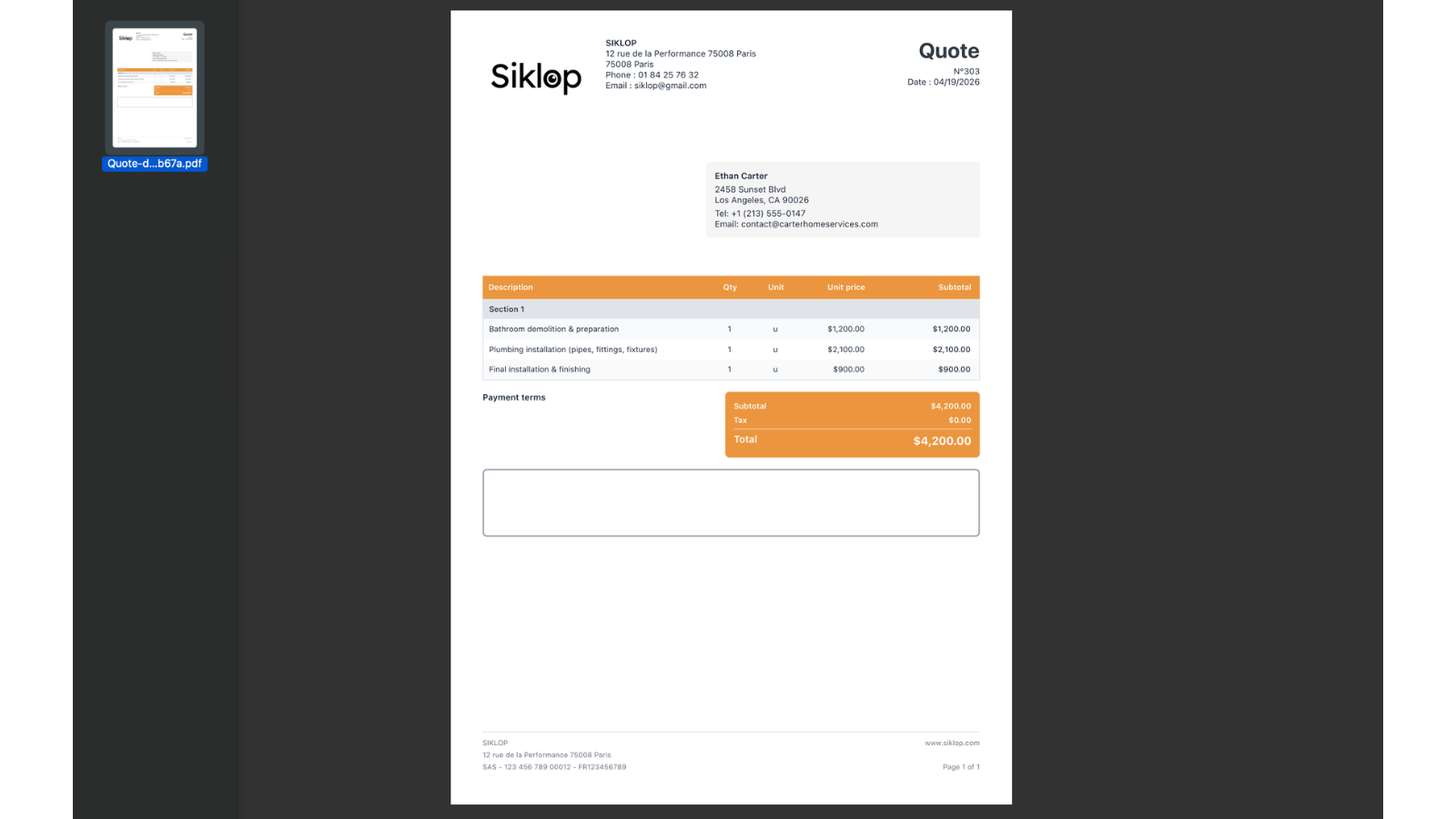
Once the generation process is complete, the PDF file is automatically downloaded to your device.
The document can be saved on a computer, tablet, or smartphone and shared freely with clients, partners, or colleagues.
You can also archive the file, send it by email, print it, or keep it as a local copy of your document.
The downloaded PDF remains accessible even when you are not connected to Siklop.
FAQ
What should I do if the download does not start?
If the PDF download does not start after clicking Download PDF, first make sure that your browser allows file downloads and that your internet connection is active.
You can also refresh the page and try generating the PDF document again. In some cases, a browser extension, ad blocker, or security software may prevent the file from being downloaded.
If the problem persists after several attempts, we recommend contacting the Siklop team so we can help identify the cause of the issue.
My browser displays a security warning when downloading
Some browsers may display a security warning when a PDF file is downloaded from the internet. This behavior is normal and depends on the security settings of your browser, device, or operating system.
Before allowing the download, simply verify that the document is coming from Siklop and that you initiated the action yourself. Once the download is approved, the PDF file will be saved normally to your device.
If this warning appears unexpectedly or if the download remains blocked, do not hesitate to contact the Siklop team. We will be happy to help you identify the cause of the issue and find a solution.
Can I download an invoice as a PDF?
Yes. The PDF download feature is available for both quotes and invoices.
The process is exactly the same for both document types. Simply open the invoice you want to download and select Download PDF from the Share menu.
The PDF file is then generated automatically and downloaded to your computer, tablet, or smartphone. You can archive it, print it, send it to your client by email, or keep a local copy of the invoice for your records.
Can I download a PDF document without a Siklop account?
Yes. Siklop allows you to download quotes and invoices as PDF files free of charge and without any limitations, even when using the no-signup version.
Once your document is complete, simply use the Download PDF feature to save a copy of the quote or invoice directly to your computer, tablet, or smartphone.
You can then keep the file, print it, send it to your clients, or archive it locally without creating a Siklop account.
Can I download a PDF on a smartphone?
Yes. The PDF download feature is available on smartphones, tablets, and computers.
Once the download is complete, the PDF file is saved directly to your device and can be accessed at any time, even without a connection to Siklop.
You can then share the document by email, messaging apps, or any other communication method supported by your device.
This feature makes it easy to download and share quote and invoice PDFs wherever you are.
Will my client be able to open a quote or invoice PDF on their phone?
Yes. PDF files generated by Siklop use a standard format that is compatible with the vast majority of smartphones, tablets, and computers.
Your client can open the document directly on their phone after receiving it by email, messaging app, or any other sharing method. No Siklop account or specific application is required to view a quote or invoice PDF.
This compatibility makes it easy to share professional documents with your clients, regardless of the device they use.
Can I print a downloaded PDF document?
Yes. Once a quote or invoice has been downloaded as a PDF, you can print it as many times as needed from your computer, tablet, or smartphone.
The document retains its layout, information, and professional appearance when printed. This allows you to provide a paper copy to a client, keep a physical copy for your records, or prepare printed documents for a business meeting.
The PDF format is specifically designed to ensure consistent display and printing across most devices and printers.